If you’ve been following my work, you know I’m a bit of a stickler for my development environment. Whether it's automating Plex with Google Scripts or fine-tuning my terminal, I firmly believe the tools we use should work for us, not the other way around.
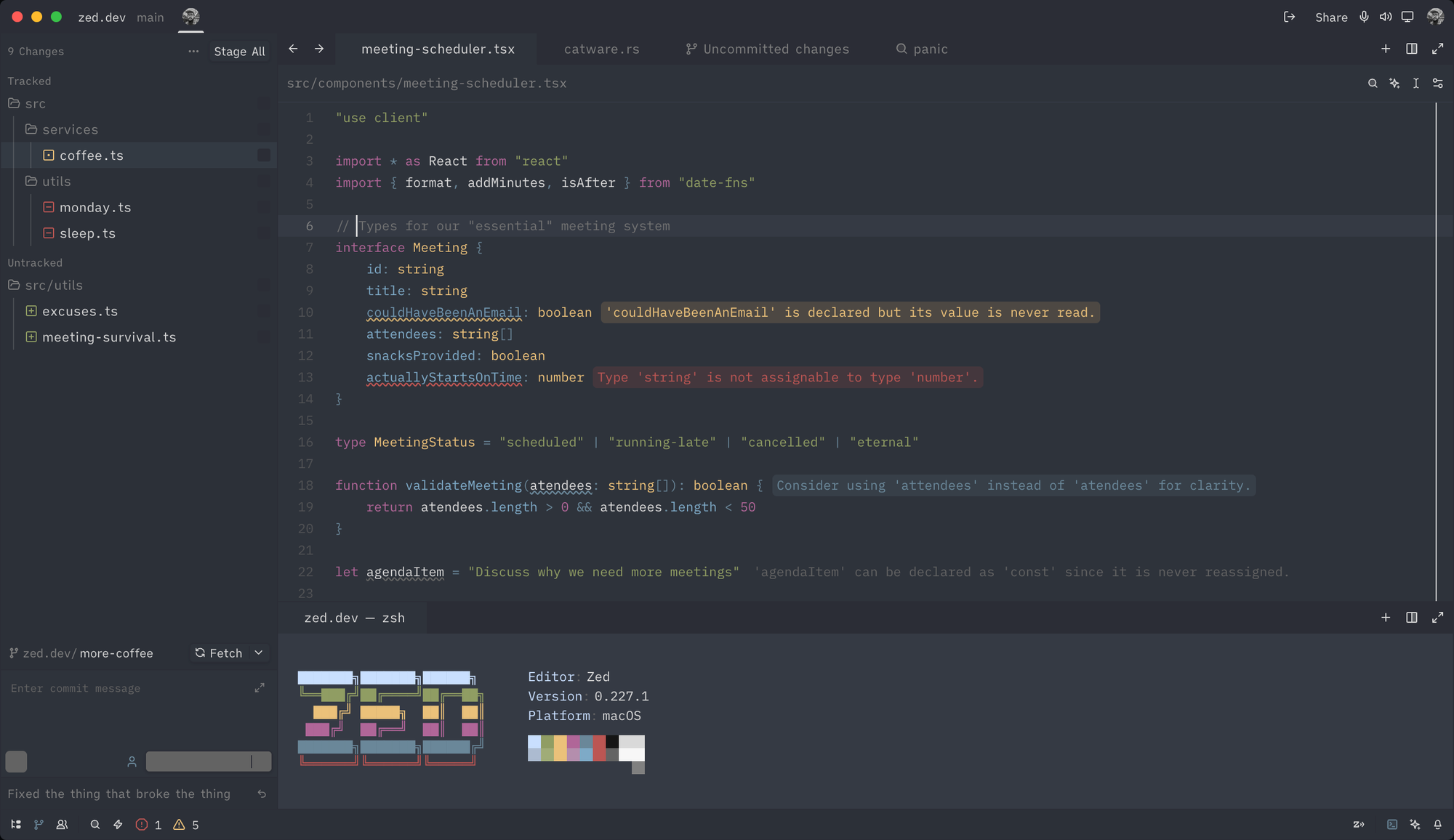
Recently, I’ve been spending a lot of time in Zed. If you haven't tried it yet, it’s a high-performance code editor built from the ground up in Rust. It feels incredibly snappy because it renders everything on the GPU at a synchronized 120 FPS—basically, it handles your code with the same fluid precision a modern video game handles graphics.
But moving to a new editor often means leaving behind the little things that make a workspace feel like "home." Instead of waiting for someone else to build what I needed, I decided to scratch my own itch. I’ve recently released two extensions: Relaxed Zed Theme and Loupe Zed.
Why Open Source Matters (Beyond the Code)
Contributing to open source is often framed as "giving back," which is true, but it’s also one of the best ways to grow as a developer. When I started working on these extensions, I wasn't just writing JSON or Rust; I was learning the internals of how a modern, high-performance editor manages buffers, themes, and sandboxing.
When you submit a Pull Request to a project like Zed, your code is vetted for performance and security. This kind of peer review is a professional "cheat code." Plus, there is a certain psychological reward in knowing that a tool you created to solve your own eye strain is now helping thousands of other developers stay focused.
Porting a Classic: The Relaxed Zed Theme
My first project was porting the Relaxed theme. Originally created by Michael Kühnel for VS Code, it uses muted, warm tones on a deep grey background to reduce eye strain during long sessions.
The technical challenge here was mapping the original TextMate-based scopes to Zed’s theme schema. Zed uses Tree-sitter for parsing, which is much more precise than the old regex-based systems we're used to in other editors.
Every Zed extension starts with an extension.toml. Here is the manifest for the theme:
id = "relaxed-theme"
name = "Relaxed"
version = "0.1.0"
schema_version = 1
authors = ["Stefan Cosma <[email protected]>"]
description = "A port of the Relaxed VS Code theme. Dark theme with easy on the eyes colors."
repository = "https://github.com/stefanbc/relaxed-theme-zed"
The heart of the theme is the color palette. I spent a lot of time ensuring the hex codes matched the "relaxed" feel.
Precision Tooling: Loupe Zed
After the theme, I wanted something more functional. Loupe is a utility that shows the latest available version of your dependencies as inlay hints. It currently supports package.json (npm), composer.json (Packagist), and pyproject.toml (PyPI/Poetry).
Performance & Security
Zed extensions are sandboxed using WebAssembly (WASM). This keeps Loupe isolated and incredibly fast. To keep it from being a resource hog, I implemented a TTL cache:
- Auto-refresh: Versions are cached for 5 minutes.
- Manual override: Just save the file to force an immediate refresh.
Built for the Community
I kept the architecture modular. If you want to add a new registry (like Crates.io), you just implement the RegistryHandler interface. You don't need to touch the core LSP wiring.
Note: Inlay hints are off by default. Enable them in your settings (
cmd+,):
{
  "inlay_hints": {
    "enabled": true
  }
}
Just Start Somewhere
If you’re on the fence about contributing, my advice is to start with something visual. A theme or a simple set of snippets is a great way to learn the packaging and distribution process without getting bogged down in complex logic.
Open source isn't just for the "elite" developers; it’s for anyone who wants their tools to be 1% better tomorrow than they are today.
Check them out on GitHub:
If you have any questions or ideas on how to improve these, let me know. You can reach me on most social media channels!